
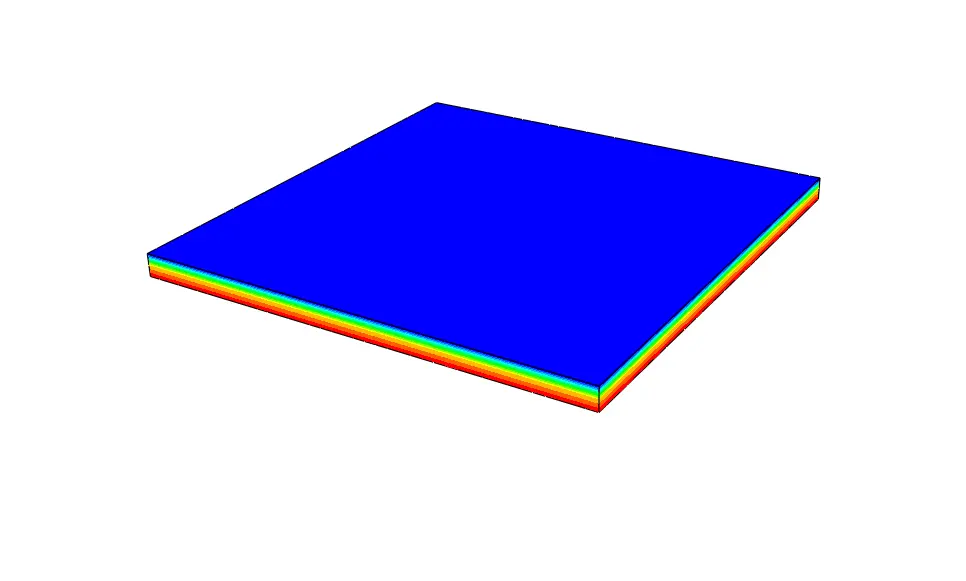
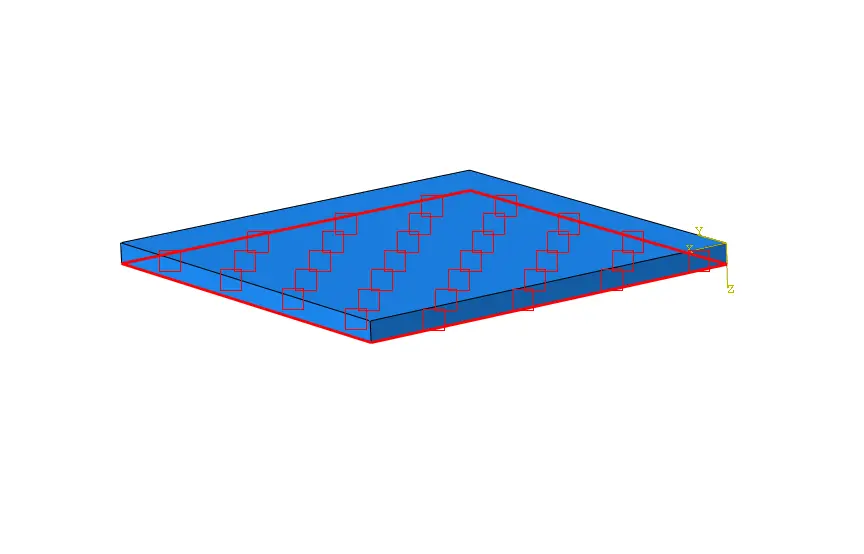
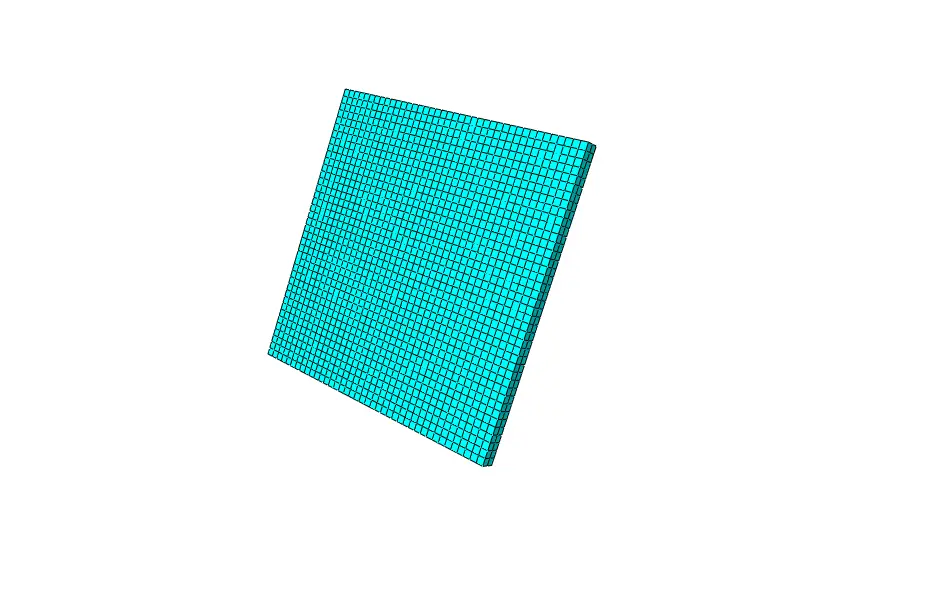
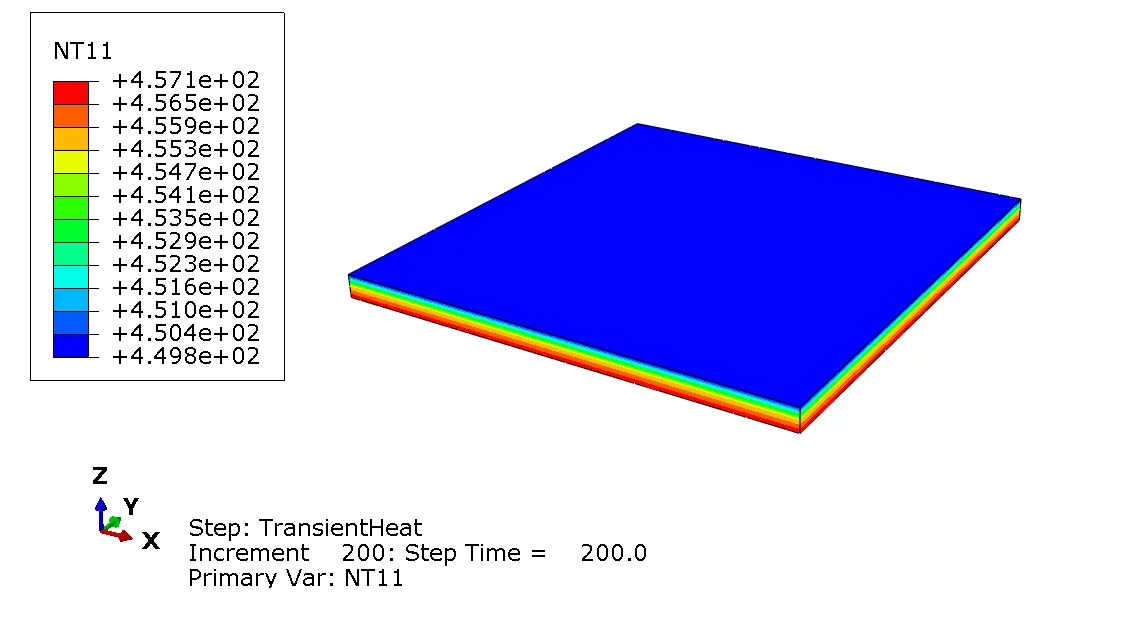
This complete Abaqus project demonstrates how to perform a transient heat transfer analysis using a temperature-dependent convection boundary condition implemented through the FILM user subroutine.
Unlike products that only provide a Fortran subroutine, this package includes all the essential project files required to study, modify, and run the simulation. The model is ideal for engineers, researchers, and students who want to learn how user-defined convection is implemented in Abaqus and how it can be integrated into real engineering applications.
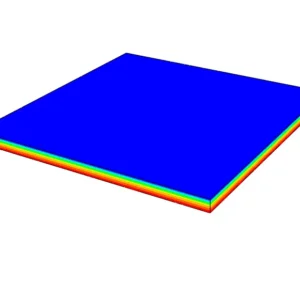
The example models the cooling of a 0.2 × 0.2 × 0.01 m steel plate with an initial temperature of 1000°C exposed to an ambient temperature of 25°C. The convection coefficient is calculated inside the FILM subroutine as a function of temperature, producing a more realistic cooling response than a constant film coefficient.
Included Files
This download package includes:
- ✅ Abaqus CAE model (.cae)
- ✅ Abaqus Input File (.inp)
- ✅ Abaqus Python Script (.py)
- ✅ FILM User Subroutine (.for)
- ✅ Material definition with temperature-dependent thermal properties
- ✅ Ready-to-run transient heat transfer example
Model Features
- 3D steel plate model
- Plate dimensions: 0.2 × 0.2 × 0.01 m
- Initial temperature: 1000°C
- Ambient (sink) temperature: 25°C
- DC3D8 heat transfer elements
- Temperature-dependent thermal conductivity
- Temperature-dependent specific heat
- User-defined convection boundary condition
- Temperature-dependent film coefficient
- Fully automated model generation using Python
Temperature-Dependent FILM Boundary Condition
The included FILM user subroutine defines the convection coefficient according to the plate temperature using a bilinear relationship.
For temperatures below 500°C:
h = 0.0668 × T
For temperatures above 500°C:
h = 0.231 × T − 82.1
The subroutine automatically calculates the appropriate convection coefficient throughout the transient analysis, allowing the cooling behavior to change realistically as the component temperature decreases.
Excellent Foundation for Welding Cooling Simulations
One of the most important applications of the FILM user subroutine is the cooling stage of welding simulations.
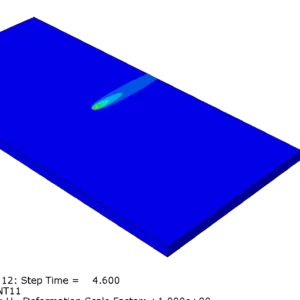
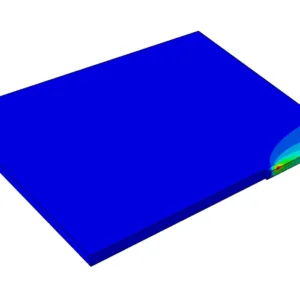
In many welding analyses, a moving heat source is modeled using a DFLUX or VDFLUX subroutine. After the welding pass is complete, the welded component cools by convection to the surrounding air. Because the convection coefficient often varies with temperature, a FILM subroutine provides a much more realistic representation of the cooling process than a constant convection coefficient.
This project serves as an excellent starting point for engineers developing:
- Welding simulations
- Laser welding
- Arc welding
- Friction Stir Welding (FSW)
- Heat treatment simulations
- Thermal manufacturing processes
- Cooling analysis of heated components
The included workflow can be extended by combining a moving heat source (DFLUX or VDFLUX) with the FILM subroutine to create a complete welding thermal analysis in Abaqus.
Learning Outcomes
By studying this project, you will learn how to:
- Build heat transfer models using Abaqus Python scripting
- Create transient heat transfer analyses
- Apply user-defined convection boundary conditions
- Implement and modify the FILM user subroutine
- Define temperature-dependent material properties
- Automate Abaqus model creation
- Prepare models for advanced welding simulations
Who Should Use This Project?
This project is suitable for:
- Mechanical engineers
- Welding engineers
- Thermal analysis specialists
- Abaqus users
- Researchers
- Graduate students
- Engineers learning Abaqus Python scripting
- Engineers developing user subroutines
Whether your goal is to understand the FILM user subroutine or to build more advanced thermal and welding simulations, this complete project provides a practical, ready-to-run example that can be easily customized for your own applications.





Reviews
There are no reviews yet.