
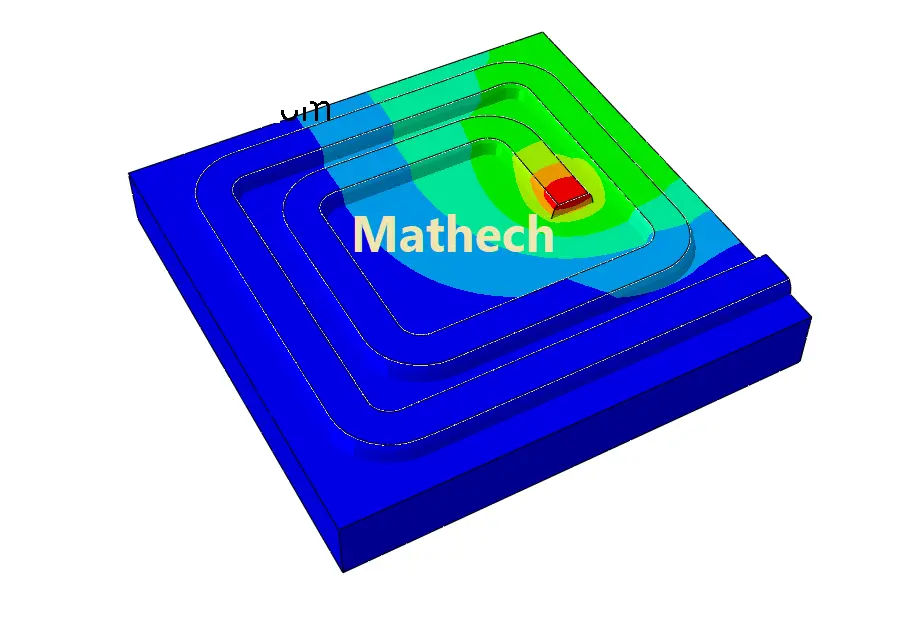
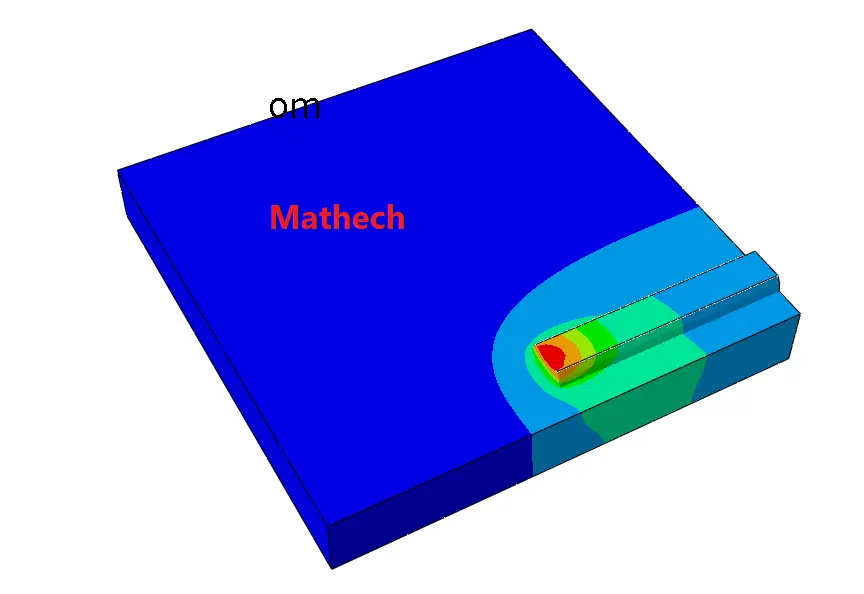
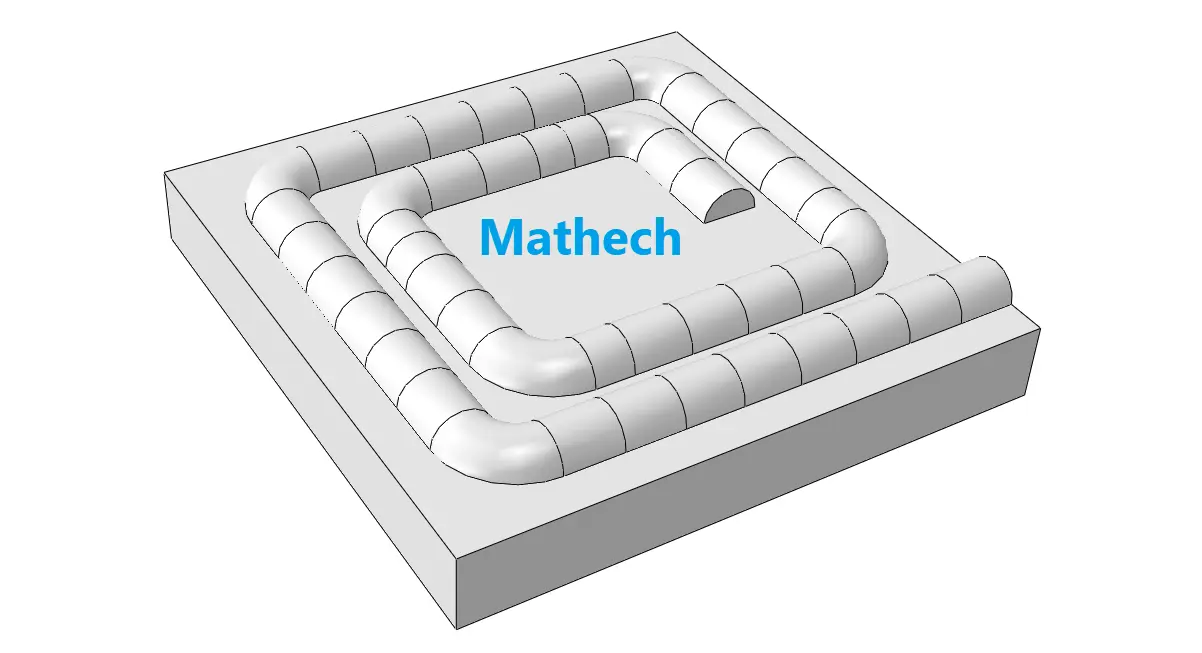
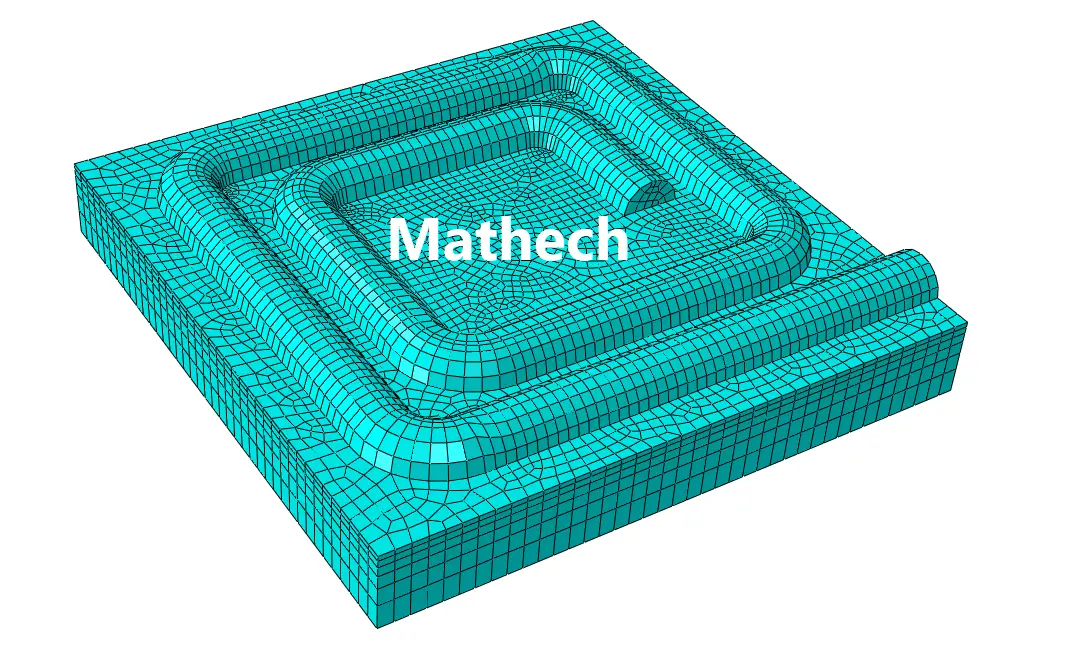
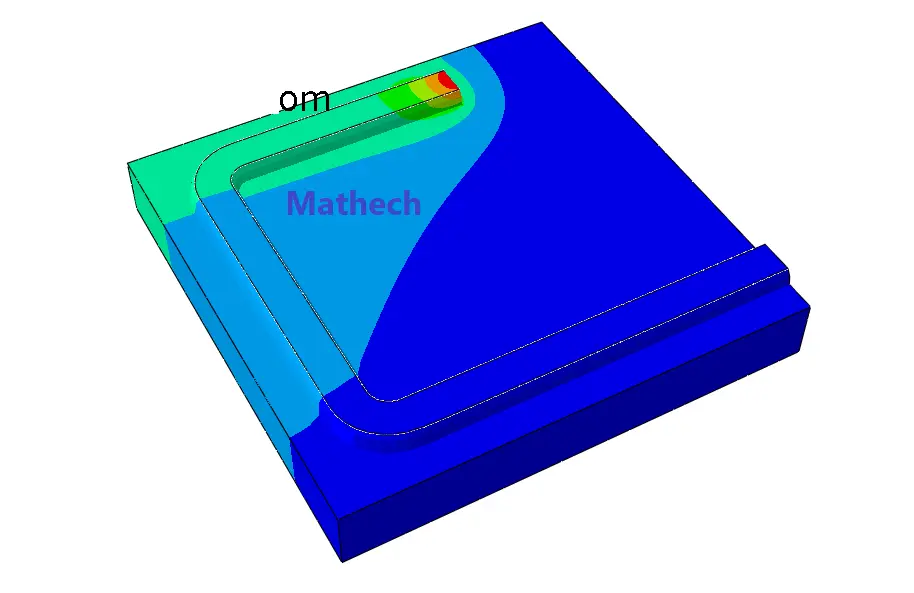
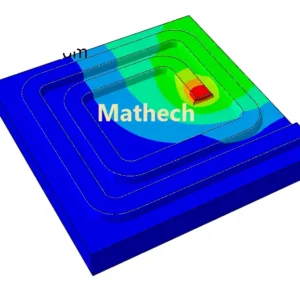
This Abaqus CAE model demonstrates a Welding Simulation Along a Spiral Path on a small steel plate using the DFLUX user subroutine. The model uses a moving heat source that follows a spiral path across the plate to simulate the transient thermal behavior during welding.
The steel plate has dimensions of 30 × 30 mm with a thickness of 4 mm. The DFLUX subroutine controls the movement of the heat source along the predefined spiral welding path.
This example is useful for learning how to implement a custom moving heat source in Abaqus and how to control a non-linear welding path using a DFLUX subroutine.
📦 Download Package Includes
- ✅ Abaqus CAE Model File (.cae)
- ✅ Abaqus Input File (.inp)
- ✅ DFLUX Fortran Subroutine
- ✅ Steel Plate Geometry
- ✅ Material Thermal Properties
- ✅ Transient Heat Transfer Step
- ✅ Moving Heat Source Definition
- ✅ Spiral Welding Path Implementation
- ✅ Thermal Boundary Conditions
- ✅ Mesh Configuration
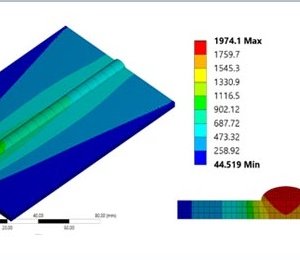
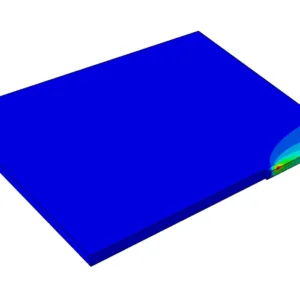
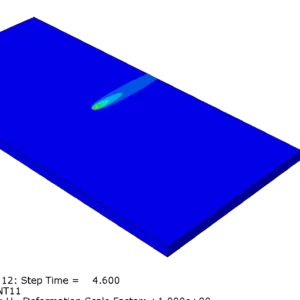
- ✅ Temperature Distribution Results
- ✅ Editable and Ready-to-Run Simulation Files
🔧 Model Specifications
| Parameter | Description |
|---|---|
| Software | Abaqus/CAE |
| Analysis | Transient Heat Transfer |
| Welding Type | Spiral Welding |
| Workpiece | Steel Plate |
| Plate Dimensions | 30 × 30 mm |
| Plate Thickness | 4 mm |
| Heat Source | Moving Heat Source |
| Subroutine | DFLUX |
| Heat Source Path | Spiral |
| Main Output | Temperature Distribution |
🔥 What You Will Learn
This simulation demonstrates how to:
- Create a steel plate model for welding analysis.
- Define thermal properties for the material.
- Set up a transient heat transfer analysis.
- Define a moving heat source using DFLUX.
- Control the position of the heat source as a function of time.
- Create a spiral welding path.
- Apply a spatially and temporally varying heat flux.
- Define appropriate thermal boundary conditions.
- Generate a suitable mesh for thermal analysis.
- Evaluate the temperature distribution during welding.
- Post-process the transient temperature field.
🎯 Applications
This Abaqus example can help engineers and researchers understand the implementation of DFLUX-based moving heat sources for welding simulations.
The same approach can be adapted for different welding paths, heat-source parameters, plate dimensions, and materials.
It is particularly useful for studying:
- Welding heat transfer
- Moving heat sources
- Spiral welding paths
- Thermal cycles
- Temperature distribution
- DFLUX subroutine development
- Abaqus welding simulations
👨💻 Who Is This Model For?
This model is suitable for:
- Mechanical Engineering Students
- Welding Engineers
- FEA Engineers
- Abaqus Users
- Researchers
- Graduate Students
- Engineers learning Fortran subroutines in Abaqus
Need a Custom Welding Simulation?
Need help developing a custom Abaqus welding simulation, DFLUX subroutine, moving heat source, or complex welding path?
✓ Abaqus Welding Simulation Consulting
✓ Subroutine Development
✓ Nonlinear Analysis
✓ FEA Verification




Michael Carter –
I’ve been struggling with spiral weld paths for a pressure vessel project for weeks. Your DFLUX subroutine was a lifesaver! The way you parameterized the moving heat source along a cylindrical helix was brilliant. The temperature distribution matched my experimental thermocouple data within 5%. Worth every dollar.
Emily Johnson –
Finally! A proper implementation of spiral welding in Abaqus. The heat flux distribution and moving coordinate system were set up flawlessly. I ran it on a pipe-to-nozzle weld joint and the distortion predictions were spot on. The step-by-step guide made it easy to modify the pitch and radius for my geometry. Highly recommend!