
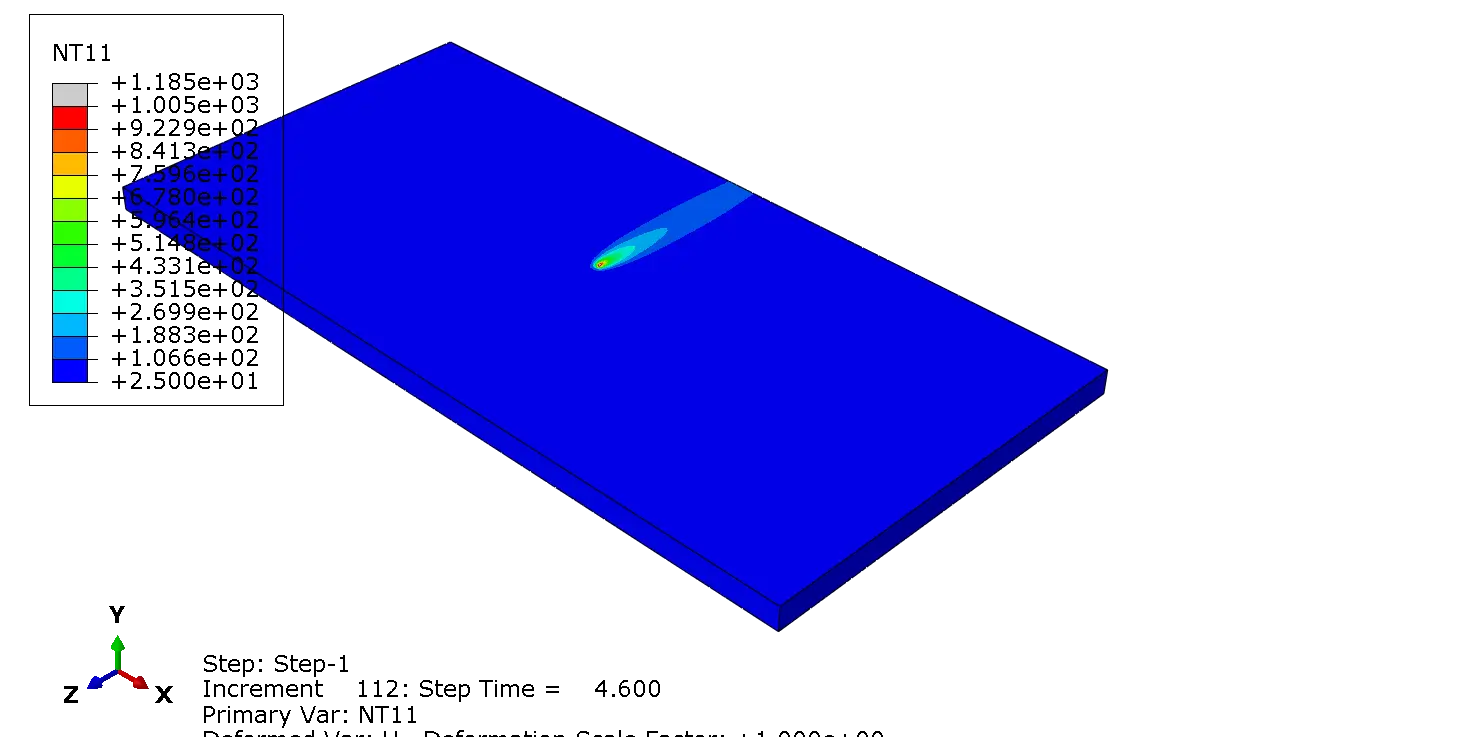
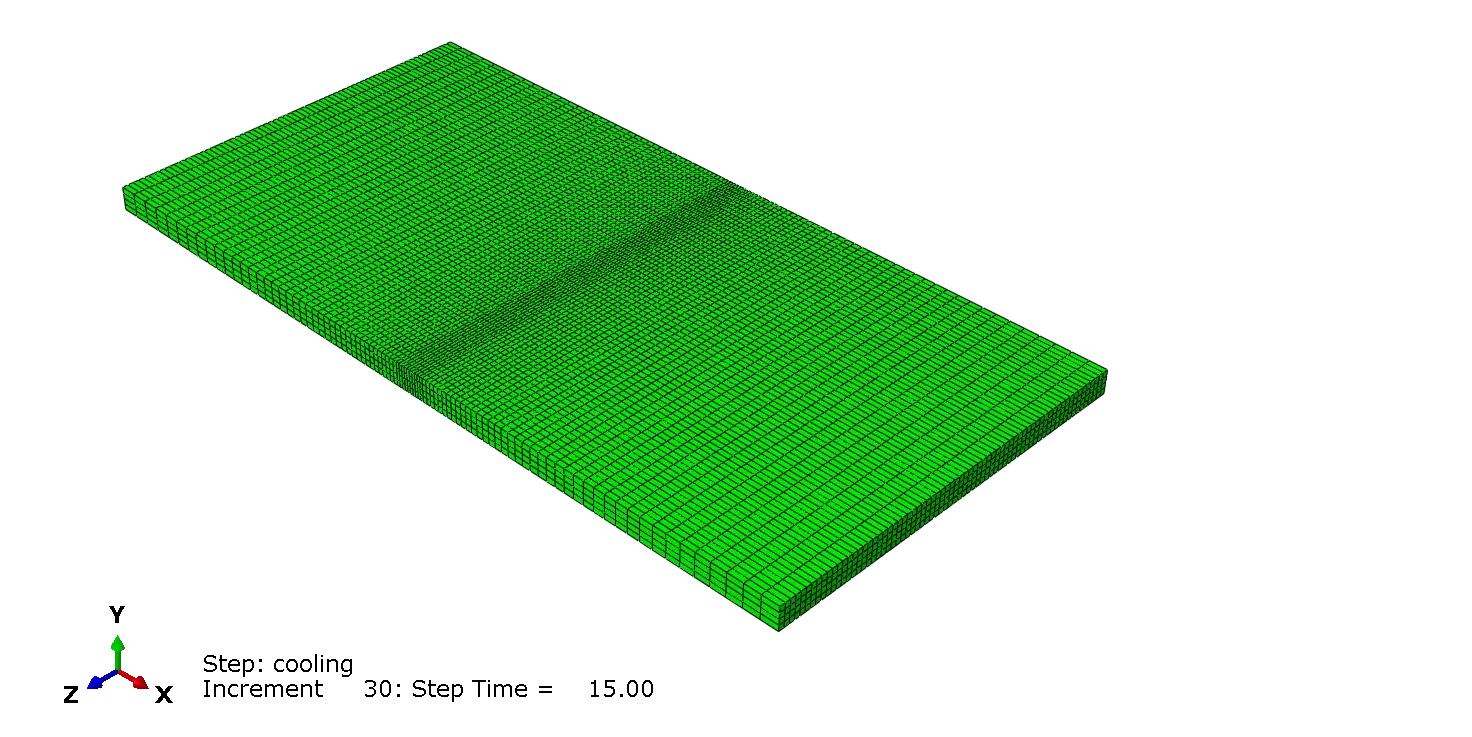
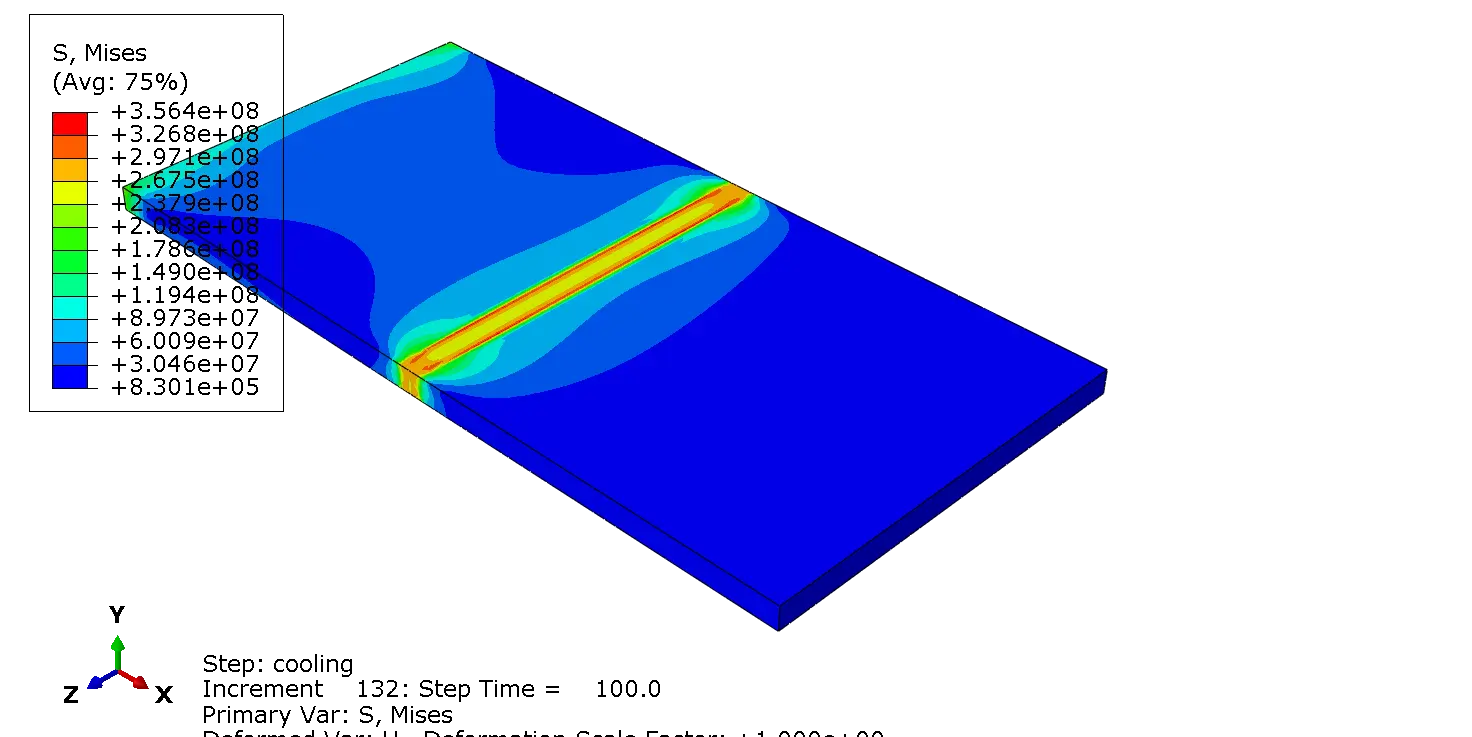
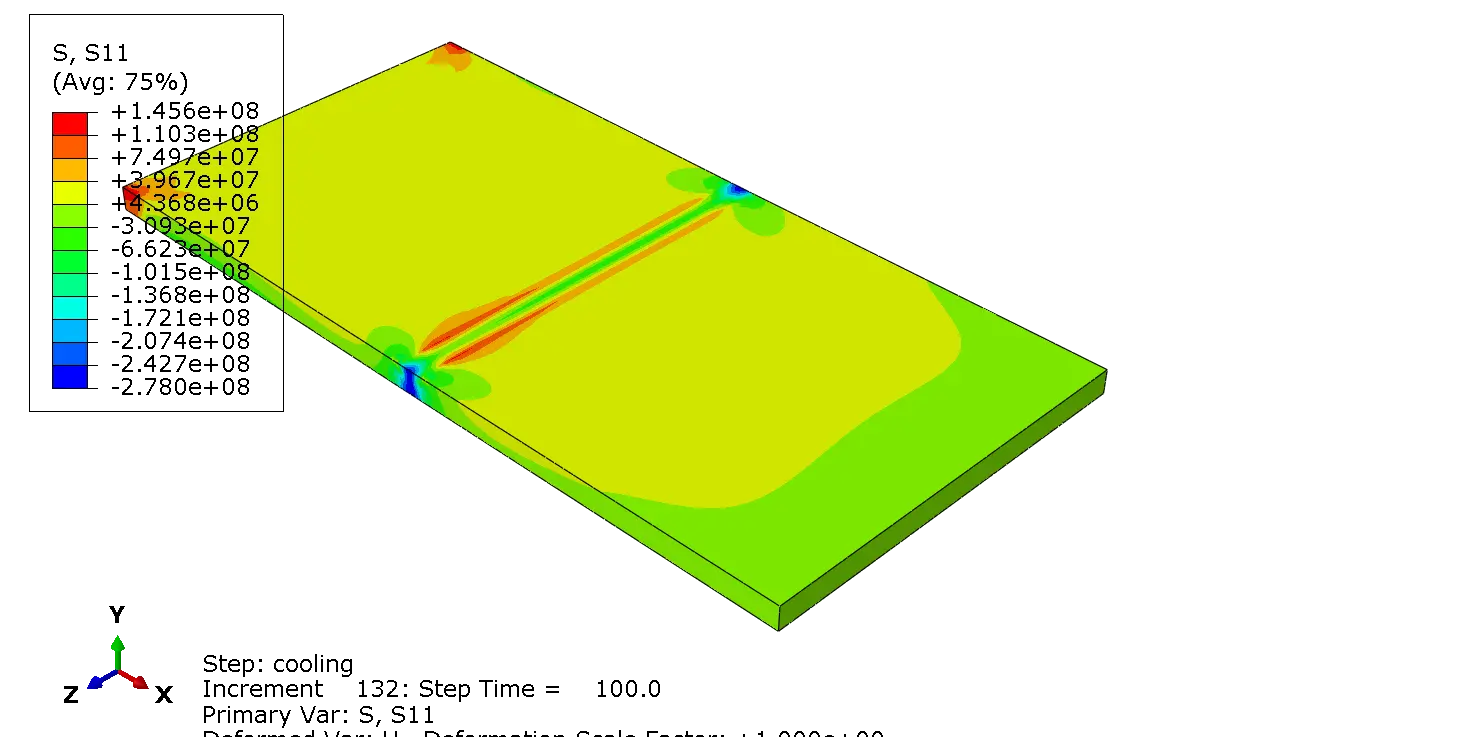

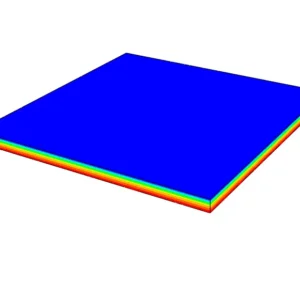
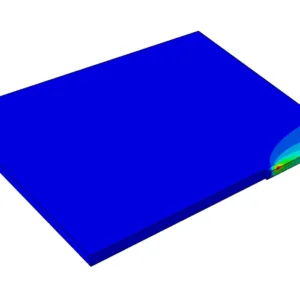
This file provides a complete laser welding simulation of two steel plates in Abaqus using the CIN model for the laser heat source.
The welding process is modeled without filler material, making it suitable for studying autogenous laser welding and deep-penetration welding behavior.
Product Overview
Laser welding produces a highly concentrated heat input and rapid temperature changes in the workpiece. Accurately representing this process in a finite element model requires an appropriate heat-source formulation.
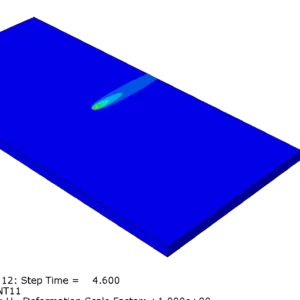
In this Abaqus laser welding simulation, the CIN model is used to represent the laser beam as a volumetric heat source. The heat source is implemented through a Fortran user subroutine, allowing the laser heat input to move along the welding path during the transient analysis.
The model focuses on the thermal behavior of two SA240 304 stainless steel plates joined by autogenous laser welding without filler material. Each plate has dimensions of 10 cm × 10 cm with a thickness of 0.006 m (6 mm).
The simulation provides a practical reference for engineers, researchers, and students working on Abaqus welding simulations. The included Abaqus CAE file and Fortran user subroutine can also be adapted for different laser parameters, welding speeds, geometries, and material configurations.
Key Features
Laser Heat Source
Volumetric laser heat input implemented using the CIN model.
Abaqus CAE Model
Complete simulation setup provided in an Abaqus CAE file.
Fortran Subroutine
User subroutine for implementing the moving laser heat source.
Thermal Analysis
Study transient temperature evolution during the welding process.
CIN Model for Laser Welding
The CIN model provides a volumetric representation of laser energy deposition inside the material.
This makes it particularly useful for simulations where the laser produces significant penetration below the surface.
Unlike a simple surface heat flux, a volumetric heat source can distribute the deposited energy through a defined region of the workpiece.
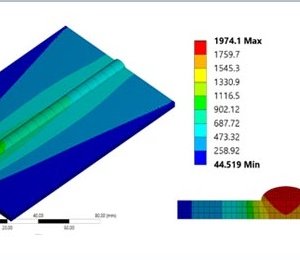
The resulting temperature field can therefore better represent the thermal characteristics of a deep-penetration laser welding process.
The heat-source formulation is implemented through a Fortran user subroutine.
This allows the position of the laser source to change with time and enables the user to modify important welding parameters.
Welding Configuration
The model represents an autogenous laser welding process.
Two steel plates are joined directly without the addition of filler metal.
Welding Process: Laser welding
Workpieces: Two steel plates
Filler Material: None
Heat Source: CIN volumetric model
Implementation: Fortran user subroutine
What Can You Study With This Model?
The model can be used as a starting point for investigating several aspects of laser welding.
After opening the model, you can modify the geometry, material properties, laser parameters, and heat-source characteristics to match your own application.
- Transient temperature distribution during laser welding
- Heat propagation through the steel plates
- Effect of laser parameters on thermal behavior
- Moving heat-source implementation in Abaqus
- Volumetric energy deposition using the CIN model
- Thermal behavior around the weld region
- Development of customized laser welding simulations
- Preparation of research and thesis models
What Is Included?
| File | Description |
|---|---|
| Abaqus CAE File | Complete Abaqus model containing the geometry, analysis setup, material definitions, interactions, loads, and model configuration. |
| Fortran Subroutine | User subroutine containing the CIN laser heat-source implementation for Abaqus. |
Fortran User Subroutine
The included Fortran subroutine is one of the main components of this product.
It connects the laser heat-source formulation with the Abaqus analysis and enables the laser energy input to be evaluated during the simulation.
This approach is especially useful when the built-in Abaqus heat-load options are not sufficient for representing a customized moving laser source.
Researchers can modify the subroutine to investigate different laser powers, welding speeds, source dimensions, absorption efficiencies, and other process parameters.
Who Is This Product For?
Mechanical Engineers
Develop and adapt Abaqus laser welding models for engineering applications.
Researchers
Use the model as a foundation for research involving laser welding and heat-source modeling.
Graduate Students
Learn how a customized laser heat source can be implemented in an Abaqus welding simulation.
Abaqus Users
Start from an existing model instead of building a laser welding simulation from scratch.
Why This Abaqus Model Is Useful
Building a laser welding model from the beginning requires several interconnected steps.
These include defining the welding geometry, selecting appropriate thermal properties, creating the analysis procedure, defining the heat input, and implementing the moving heat source.
This product gives you the core Abaqus model and the corresponding Fortran implementation.
You can therefore focus on understanding the simulation and adapting it to your own research or engineering problem.
A Practical Starting Point
This is not simply a collection of screenshots or theoretical equations.
You receive the actual Abaqus CAE model and Fortran subroutine used to build the simulation, giving you a practical foundation for further development.
Easy to Customize
The model can be adapted to different laser welding conditions.
Depending on your application, you can modify the geometry, material data, mesh, laser parameters, and heat-source parameters.
- Change plate dimensions and geometry
- Replace or modify material properties
- Modify laser power and efficiency
- Change welding speed
- Adjust the dimensions of the heat source
- Modify the laser travel path
- Refine the mesh around the weld zone
- Adapt the Fortran subroutine for different welding conditions
Requirements
You need Abaqus and a compatible Fortran compiler to run and modify the user-subroutine-based simulation.
Basic knowledge of Abaqus/CAE, thermal analysis, and Fortran user subroutines is recommended.
Important Note
This product is intended for educational, research, and engineering model-development purposes.
The model provides a practical implementation that can be modified for specific welding conditions.
Results for a real welding process may require calibration and validation against experimental data.
Need Expert to Start Your Abaqus Laser Welding Simulation?
Whether you’re facing convergence problems, implementing advanced material models,
Get the Abaqus CAE model and Fortran subroutine and use them as a practical foundation for developing your own CIN-based laser welding simulations..
✓ Abaqus Welding Simulation Consulting
✓ Fortran Subroutine Development
✓ Residual Stress Analysis
✓ FEA Verification



Reviews
There are no reviews yet.